How we drew Bavunio's icons
How 169 generated reference icons became 137 vector files with separate parts, one size rule and no grey duplicates.
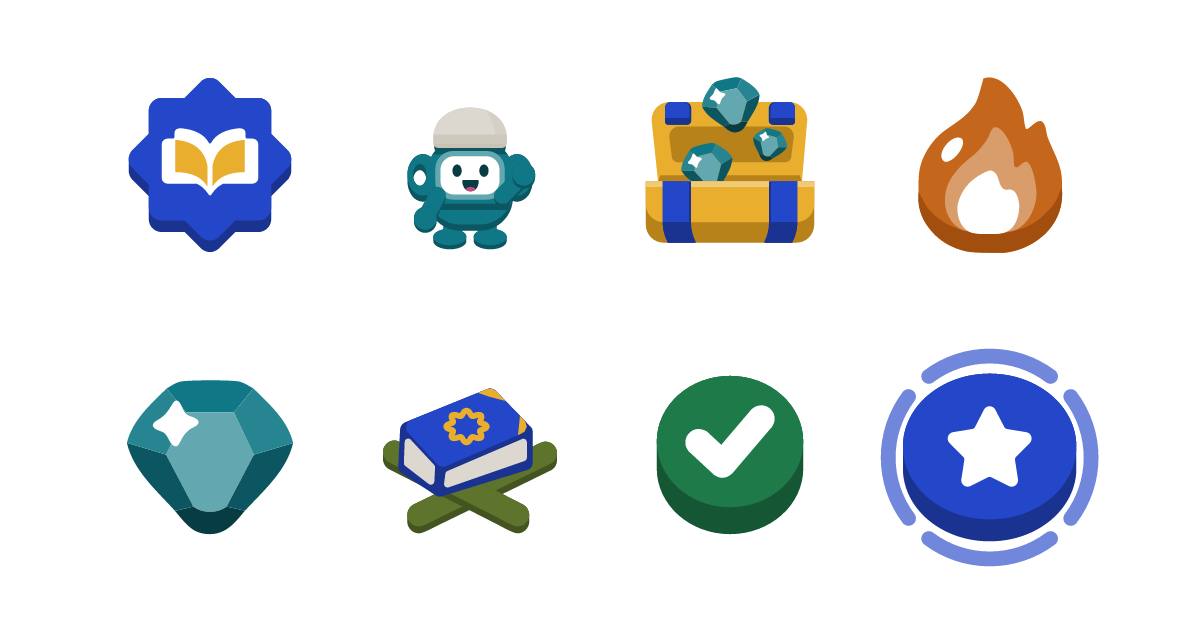
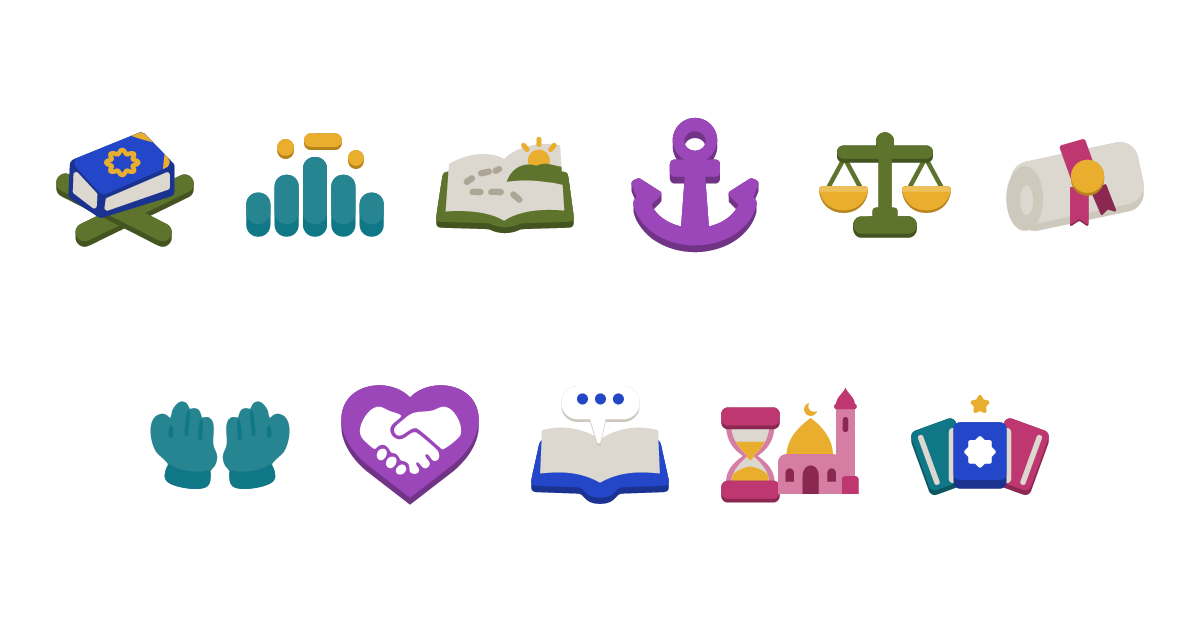
Bavunio has 137 icons and characters: the tabs, the streak flame, gems, path nodes, one icon for each of the eleven curricula, the lantern mascot and twenty people who appear in lessons.
Reference sheets
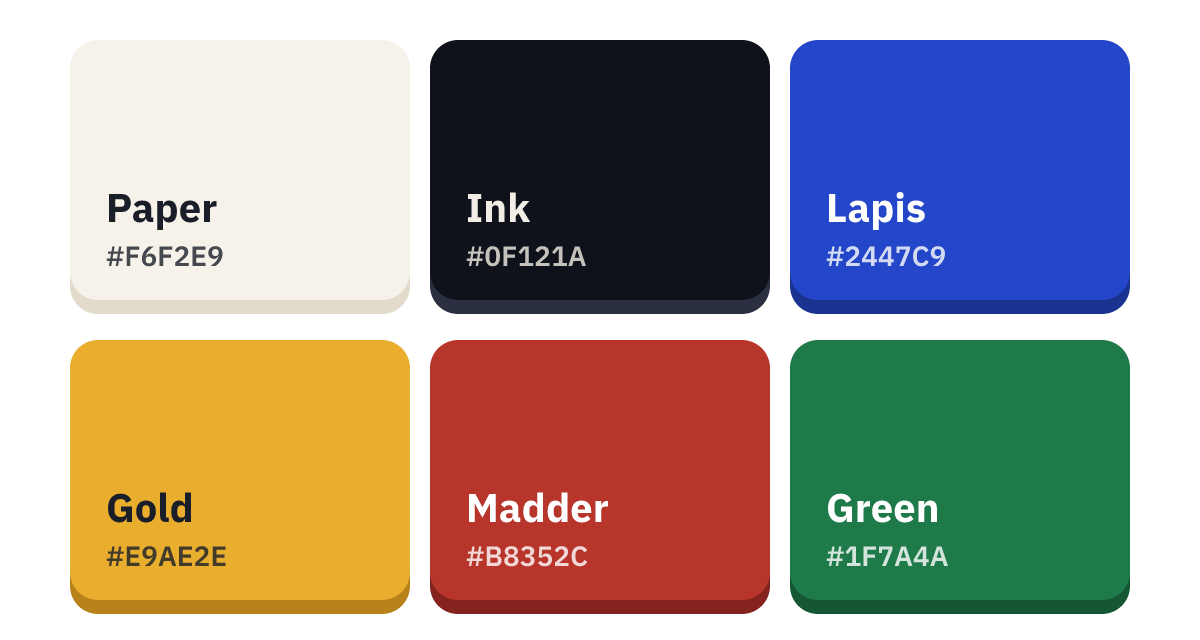
We wrote one prompt per category and generated a wide reference sheet for each: brand, characters, tabs, resources, path nodes, curricula, lesson, leagues, shop and settings. Every prompt listed the same style rules: chunky rounded shapes, a darker band under each part for depth, colors from our palette only, and no text.
Two rules applied to every sheet for religious reasons: no image shows a prophet or a Companion, and none contains Arabic letters or imitation calligraphy.
We used the generated images only to set the direction; none of them ships in the app.
Review and rejections
A small script cut each sheet into one image per icon, 169 in all, and we reviewed every one. We rejected nine. The person icons had skin-colored faces where we wanted a one-color silhouette, and two gem packs were brown, a color outside the palette. Only those nine were generated again.
Vector redraw
Every approved icon was then redrawn in Adobe Illustrator as a vector file: shapes stored as geometry instead of pixels, so an icon stays sharp at any size. The open chest shows the difference.
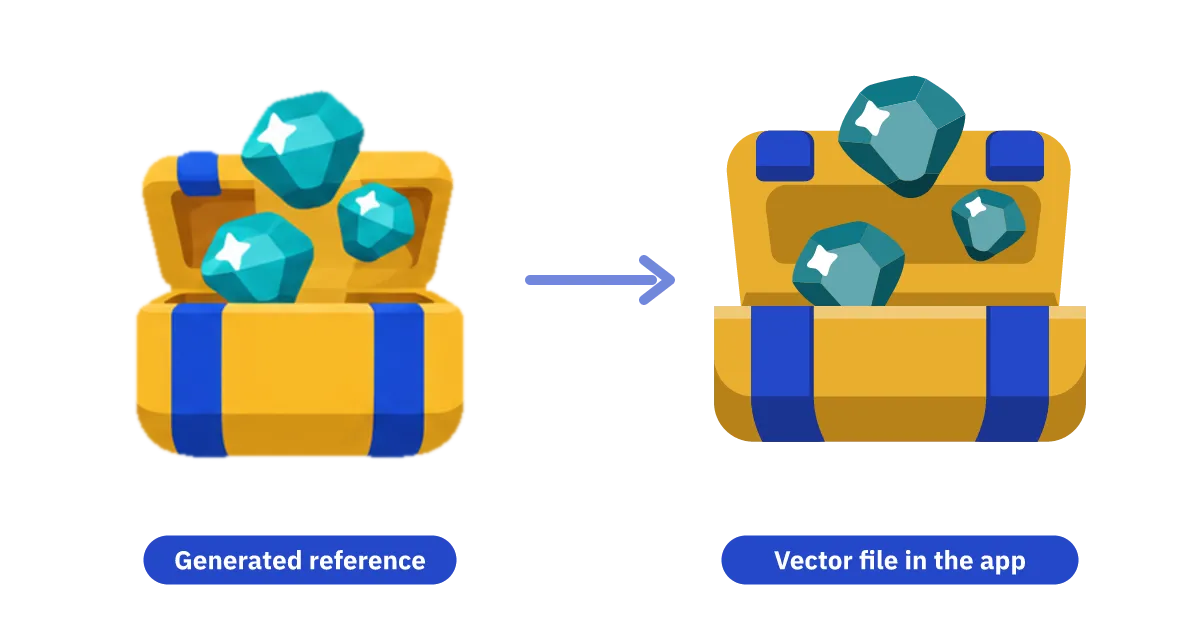
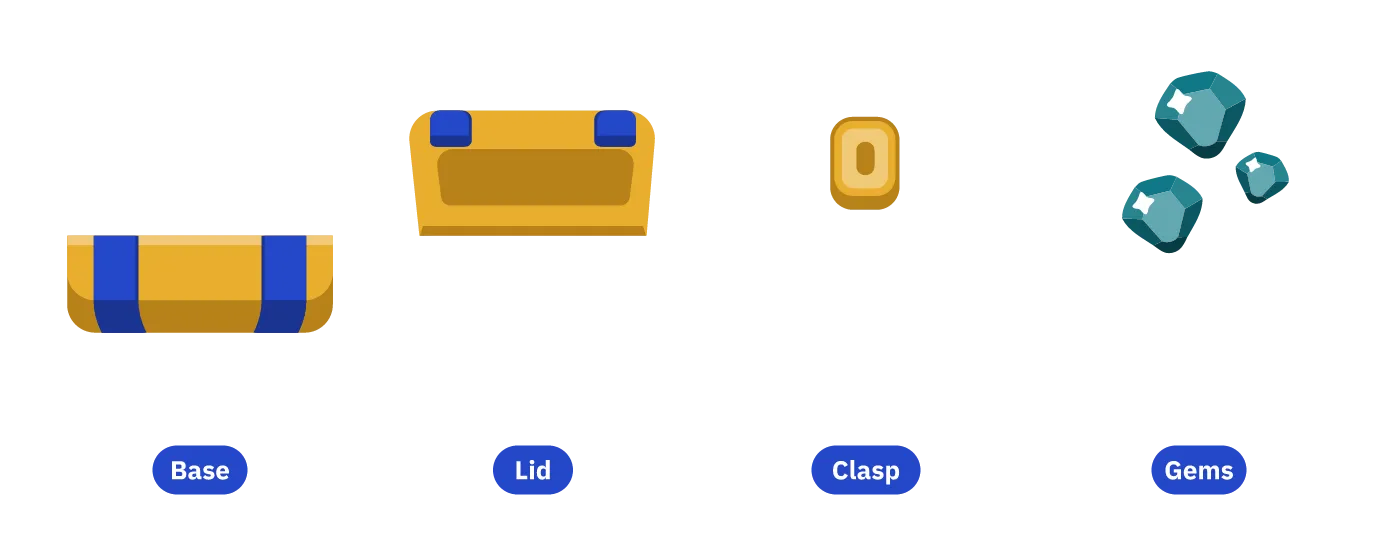
Each icon is built from a few separate parts. The chest has a base, a lid, a clasp and gems, and the flame has an outer and an inner flame. The app can move each part on its own, so the lid can open when you earn a reward.
Characters also carry joint points for the arms, legs and head.
One file per icon
The first delivery included grey copies of some icons for locked and inactive states. We removed them, because the app can turn any icon grey by itself: it swaps each color for the grey of the same shade. Icons that appeared in two places were merged too; the closed chest, for example, serves as a tab, a reward and a path node. The set went from 150 files to 137.
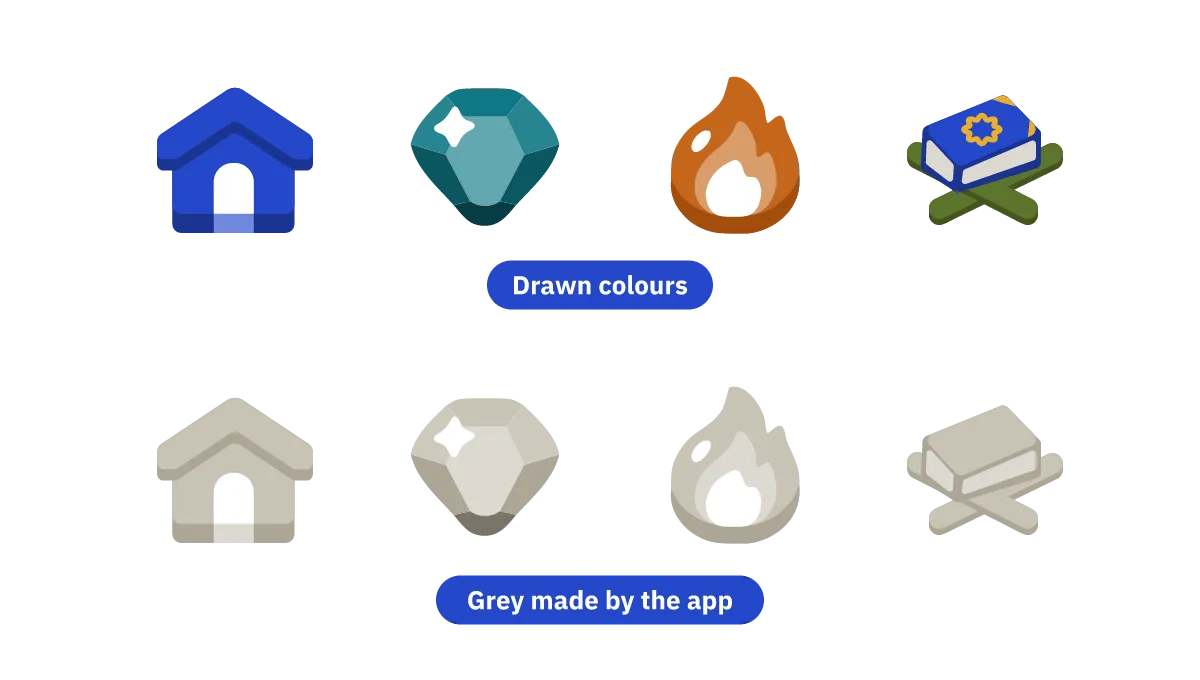
Each color has six shades from light to deep, and each maps to the grey of the same shade, so the grey version keeps its depth.
Size rules
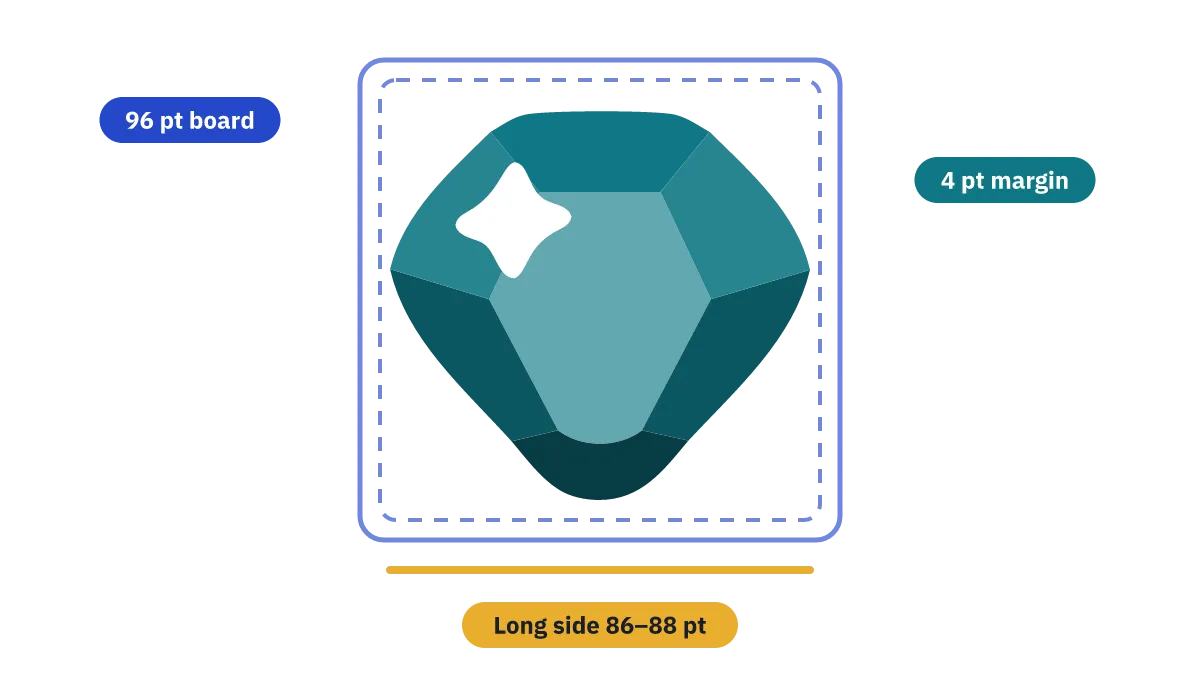
Each icon sits on a 96-point artboard, and its longest side measures 86 to 88 points. The same object keeps the same size wherever it appears. A measuring script checks this before files come back from Illustrator; it found that the current-lesson node had a smaller disc than the other nodes, and we rebuilt it on the shared disc.
Logo and mascot
The logo is an eight-pointed star with an open book at its centre. The mascot is a turquoise lantern with a gold window for a face and a small white kufi. The full icon rules are in the brand guidelines.